
NV Casino App for Android and iOS
Table of Content
NV Casino works on any modern smartphone or tablet. You can play straight in the mobile browser, add the casino to your home screen as a web app, or install the downloadable app for Android and iOS. This guide compares the options and shows how to get started on your phone.
Is There an Official NV Casino App?
NV Casino offers its own app for Android and iOS, but you will not find it in Google Play or the Apple App Store at the moment. The installation file is distributed through the casino's website instead, and the operator says it is working on getting the app listed in the official stores.
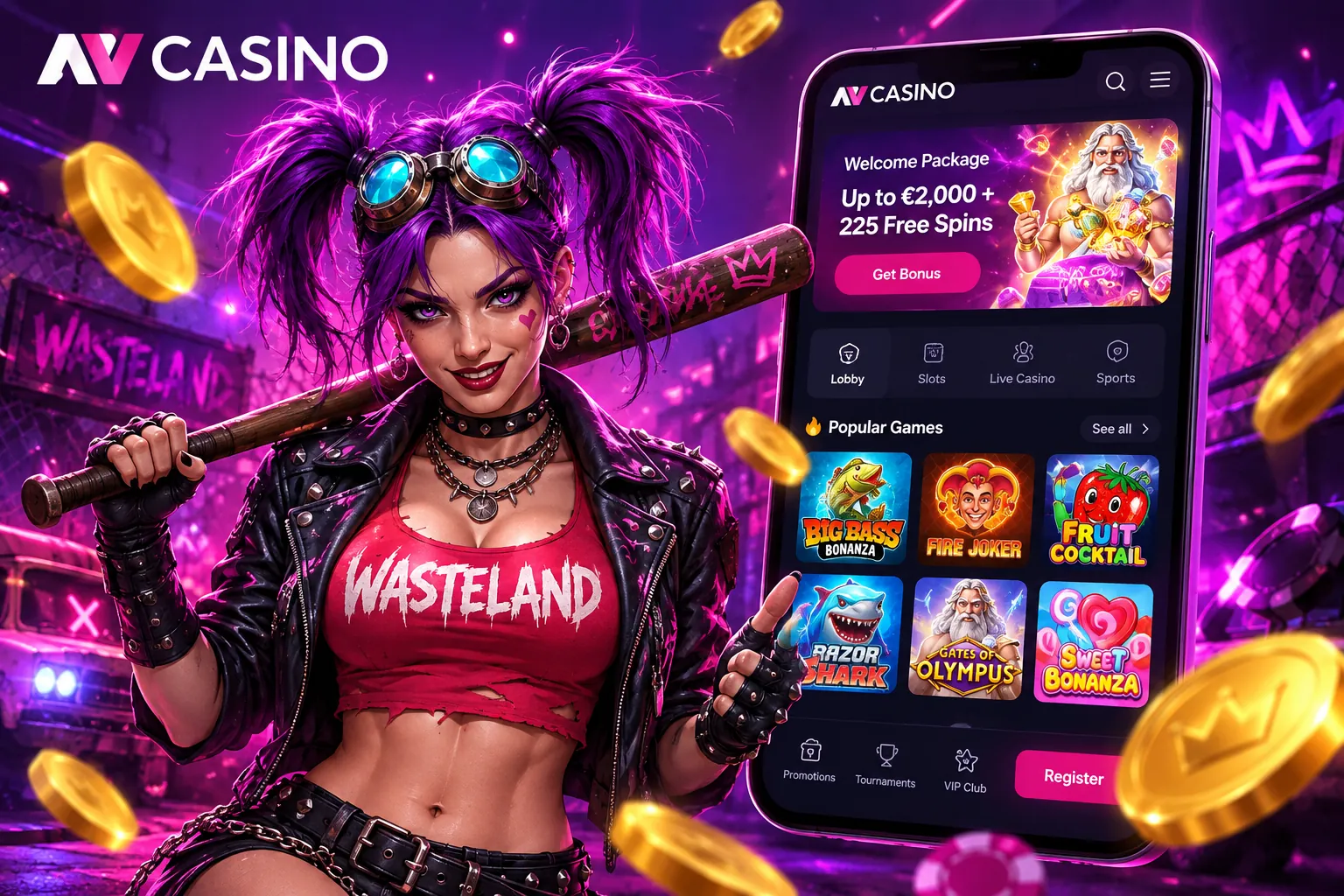
Until then, many players simply use the mobile site, which offers the same games and account features without any installation.
Three Ways to Play on Your Phone
- Mobile website: open NV Casino in Chrome, Safari or any other browser and play right away.
- Web app: save the site to your home screen so it opens like an app, full-screen and with one tap.
- Downloadable app: install the NV Casino app for Android or iOS from the casino's website.
Mobile Website vs App
| Feature | Mobile website | App |
|---|---|---|
| Installation | Not needed | Required |
| Storage space | None | Uses device storage |
| Compatibility | Any modern browser | Android and iOS |
| Updates | Automatic | Installed manually |
| Push notifications | No | Yes |
| App store listing | Not applicable | Not yet listed |
If you play now and then, the browser version is the easiest choice. If you want instant access and notifications about new promotions, the app is more convenient.
How to Start Playing on Mobile
- Open NV Casino in your phone's browser.
- Register with a username, password and the verification code sent to your email, or log in if you already have an account.
- Pick a game. Titles are built in HTML5, so they load directly in the browser with no extra downloads.
Adding NV Casino to Your Home Screen
- iPhone and iPad (Safari): tap the Share button, then “Add to Home Screen”.
- Android (Chrome): open the menu (three dots) and choose “Add to Home screen”.
A shortcut icon appears next to your other apps and opens the casino full-screen.
One Account on Every Device
Your login, balance and active bonuses are shared between desktop, mobile browser and app. You can start a session on your laptop and continue on your phone without any extra steps. Need help signing in? See our NV Casino login guide.
FAQ
Is the NV Casino app available on Google Play or the App Store?
Not yet. The app is distributed through the casino's website while the operator works on getting it listed in the official stores.
Do I need the app to play on my phone?
No. The mobile website offers the same games and account features and works in any modern browser.
Can I use the same account in the app and on desktop?
Yes. One account works on every device, with the same balance and bonuses.
Updated: